

Many web applications allow users to upload files. However, managing file uploads can be inefficient, and maintaining the required security features can be challenging.
Thankfully, Laravel is a widely used PHP framework that simplifies this process. One important feature of Laravel is middleware.
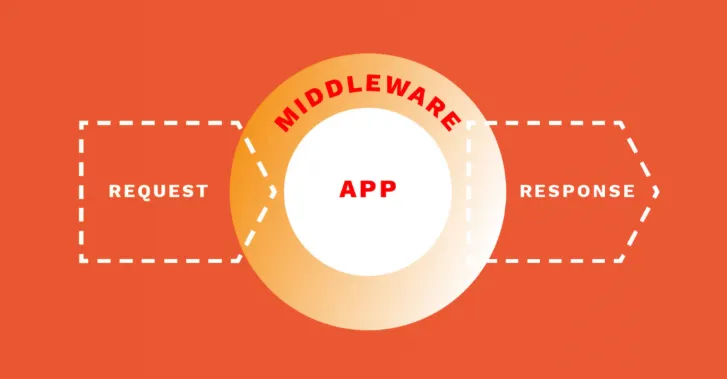
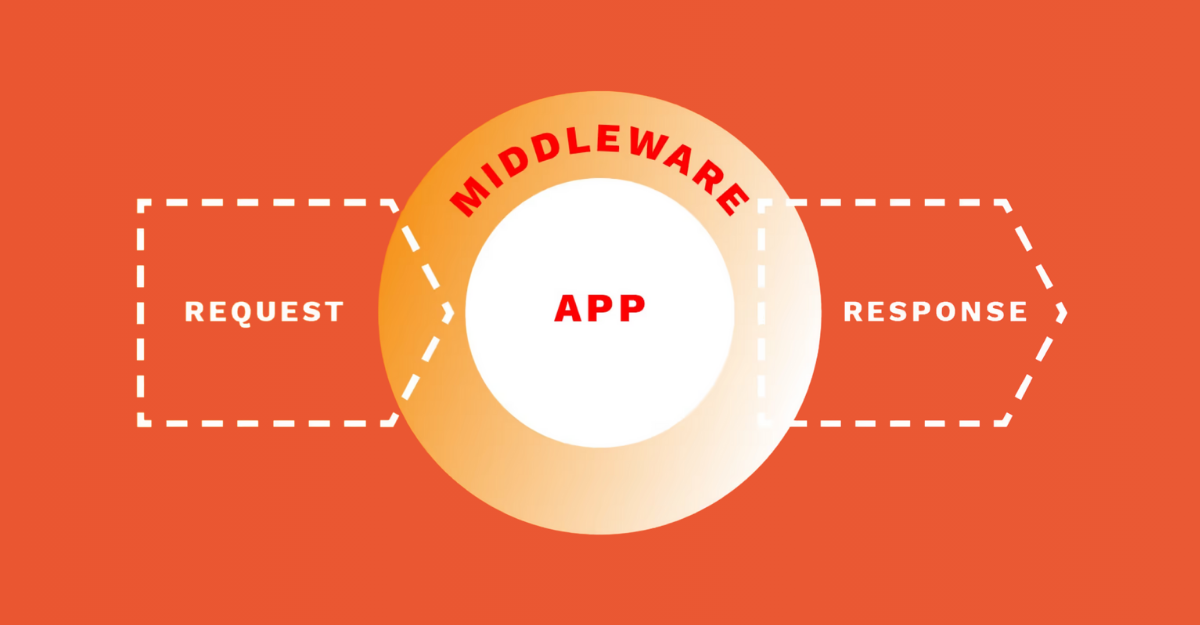
Middleware is a piece of code that sits between the server and the application. It processes HTTP requests after they are received but before they reach the application’s core logic.
When uploading files, middleware checks them to ensure they meet valid requirements and are safe for use. It can verify the file type, file size, and user permissions.
This process prevents malware and other unwanted software from infiltrating the system, helps improve the upload process, and ensures that file uploads do not become a security threat. This is necessary in today’s world of advanced technology.
In this article, we will explain the process of middleware’s role in Laravel file uploads. We will explore how middleware solves security and performance issues.
You will learn to integrate Filestack, a cloud-based tool that simplifies file uploads. Lastly, we will discuss common problems in file uploads and suggest possible solutions.
Let’s begin.
Key takeaways
- Middleware helps us filter HTTP requests for authentication purposes.
- Middleware is useful for enhancing the security of your file-uploading application.
- Filestack allows you to upload files in Laravel using its File picker.
- Challenges like large file uploads, file security, and file validation may arise when using middleware.
- However, you can easily overcome those challenges through the simple tips in the article below.
Understanding middleware in Laravel
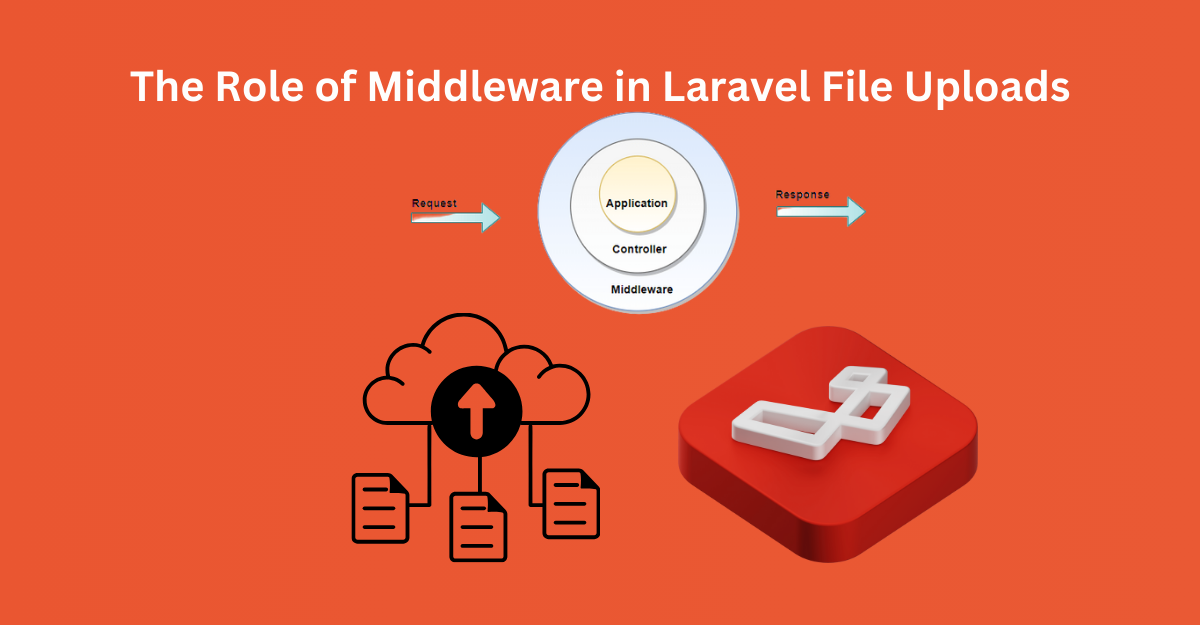
In Laravel, middleware filters HTTP requests and remains between the request and the application. It is useful for completing tasks before and after the request is sent to the controller. These tasks can include authentication, logging, or file validation.
Middleware works during the lifecycle of an HTTP request. When a request comes in, it passes through middleware before reaching the controller. Middleware determines if the request can proceed. If certain factors are missing, the request can be canceled.
An example is when you want to cap the file size in a file upload feature. Here’s how you can create middleware for that:
// File: app/Http/Middleware/CheckFileSize.php
namespace App\Http\Middleware;
use Closure;
use Illuminate\Http\Request;
class CheckFileSize
{
public function handle(Request $request, Closure $next)
{
if ($request->hasFile(‘file’) && $request->file(‘file’)->getSize() > 1024 * 1024) {
return response()->json([‘error’ => ‘File size exceeds the limit’], 400);
}
return $next($request);
}
}
The middleware verifies whether the file size is too large. If it is, the request is blocked. Otherwise, it moves forward. This prevents invalid files from being uploaded and increases the security of your application.
The importance of middleware in file uploads
File uploads can be helpful but pose security risks. Middleware can enhance security by addressing these vulnerabilities.
Middleware implementation adds an extra layer of protection to files, ensuring harmful files do not enter the system.
Middleware is essential for sanitizing files. It can validate file type, file size, content, and other rules. If a file fails validation, middleware can block it or apply specified application logic. This limits the opportunity for users to upload invalid documents. Only legitimate files are allowed through.
Before uploading a document, middleware can ensure the user is authorized. This prevents unauthorized file uploads. Some file types may only be allowed for verified users. This greatly enhances the security of your application.
Setting up middleware like this makes it easier to maintain your application. It reduces errors and centralizes file management. It enhances the upload process by validating files before they reach the application logic. Your code remains clean and efficient.
How middleware enhances Laravel file uploads
Middleware enhances Laravel file uploading in many important ways. It adds validation, security, and efficiency. Middleware controls which files are accepted before the business logic of the app is executed. This ensures that only the correct files are uploaded. It helps with security and improves performance.
One way middleware improves file uploads is by sanitizing and validating. You can write custom middleware for checking file type, size, and content. This restricts unwanted files from being uploaded.
For instance, you can restrict uploads to images or PDF documents and block EXE files. Here is an example:
// File: app/Http/Middleware/CheckFileType.php
namespace App\Http\Middleware;
use Closure;
use Illuminate\Http\Request;
class CheckFileType
{
public function handle(Request $request, Closure $next)
{
$allowedTypes = [‘image/jpeg’, ‘image/png’, ‘application/pdf’];
if ($request->hasFile(‘file’) && !in_array($request->file(‘file’)->getMimeType(), $allowedTypes)) {
return response()->json([‘error’ => ‘Invalid file type’], 400);
}
return $next($request);
}
}
This middleware allows only certain types of files. Any files of undesired types are disallowed.
Middleware also helps with large file uploads. You can set size restrictions, enable chunked uploads, and set timeouts. This helps process large files without crashing the server.
Integrating Filestack for simplified file uploads
Let’s discuss all the steps one by one.
First, you should create an app using Laravel:
composer create-project –prefer-dist laravel/laravel FilestackApp
Next, you must navigate to the project folder you created using the above command:
cd FilestackApp
Note: You should have your Filestack API Key before you start working on this project. For this purpose, you can create an account at Filestack and get the API key from the dashboard.
Next, you should install the Filestack library:
npm install filestack-js
You can also include it via CDN inside your blade template:
<script src=”https://static.filestackapi.com/filestack-js/3.x.x/filestack.min.js”></script>
The next step is to add your API key inside the .env file:
FILESTACK_API_KEY=your_filestack_api_key
After the above steps, you need to create a controller:
php artisan make:controller FileUploadController
Open the controller file and add the below-given code to it:
<?php
namespace App\Http\Controllers;
use Illuminate\Http\Request;
class FileUploadController extends Controller
{
public function index()
{
return view(‘upload’);
}
public function store(Request $request)
{
// Validate the request
$request->validate([
‘file_url’ => ‘required|url’
]);
// Store file URL in database (Optional)
return response()->json([
‘message’ => ‘File uploaded successfully!’,
‘file_url’ => $request->file_url
]);
}
}
The next step is to create the Blade View (resources/views/upload.blade.php) for the upload form using the below-given code:
<!DOCTYPE html>
<html lang=”en”>
<head>
<meta charset=”UTF-8″>
<meta name=”viewport” content=”width=device-width, initial-scale=1.0″>
<title>Filestack Upload</title>
<script src=”https://static.filestackapi.com/filestack-js/3.x.x/filestack.min.js”></script>
</head>
<body>
<h2>Upload File using Filestack</h2>
<button id=”upload-btn”>Upload File</button>
<p>File URL: <span id=”file-url”></span></p>
<script>
const client = filestack.init(“{{ env(‘FILESTACK_API_KEY’) }}”);
document.getElementById(‘upload-btn’).addEventListener(‘click’, () => {
client.picker({
accept: [‘image/*’, ‘video/*’, ‘application/pdf’],
maxFiles: 1,
fromSources: [‘local_file_system’, ‘url’, ‘facebook’, ‘google_drive’, ‘dropbox’],
onUploadDone: (result) => {
let fileUrl = result.filesUploaded[0].url;
document.getElementById(‘file-url’).innerText = fileUrl;
// Send URL to Laravel Backend (Optional)
fetch(“{{ route(‘file.store’) }}”, {
method: “POST”,
headers: {
“Content-Type”: “application/json”,
“X-CSRF-TOKEN”: “{{ csrf_token() }}”
},
body: JSON.stringify({ file_url: fileUrl })
})
.then(response => response.json())
.then(data => console.log(data));
}
}).open();
});
</script>
</body>
</html>
Open routes/web.php and define routes for file upload:
use App\Http\Controllers\FileUploadController;
Route::get(‘/upload’, [FileUploadController::class, ‘index’])->name(‘file.upload’);
Route::post(‘/upload’, [FileUploadController::class, ‘store’])->name(‘file.store’);
Finally, you should start the Laravel server:
php artisan serve
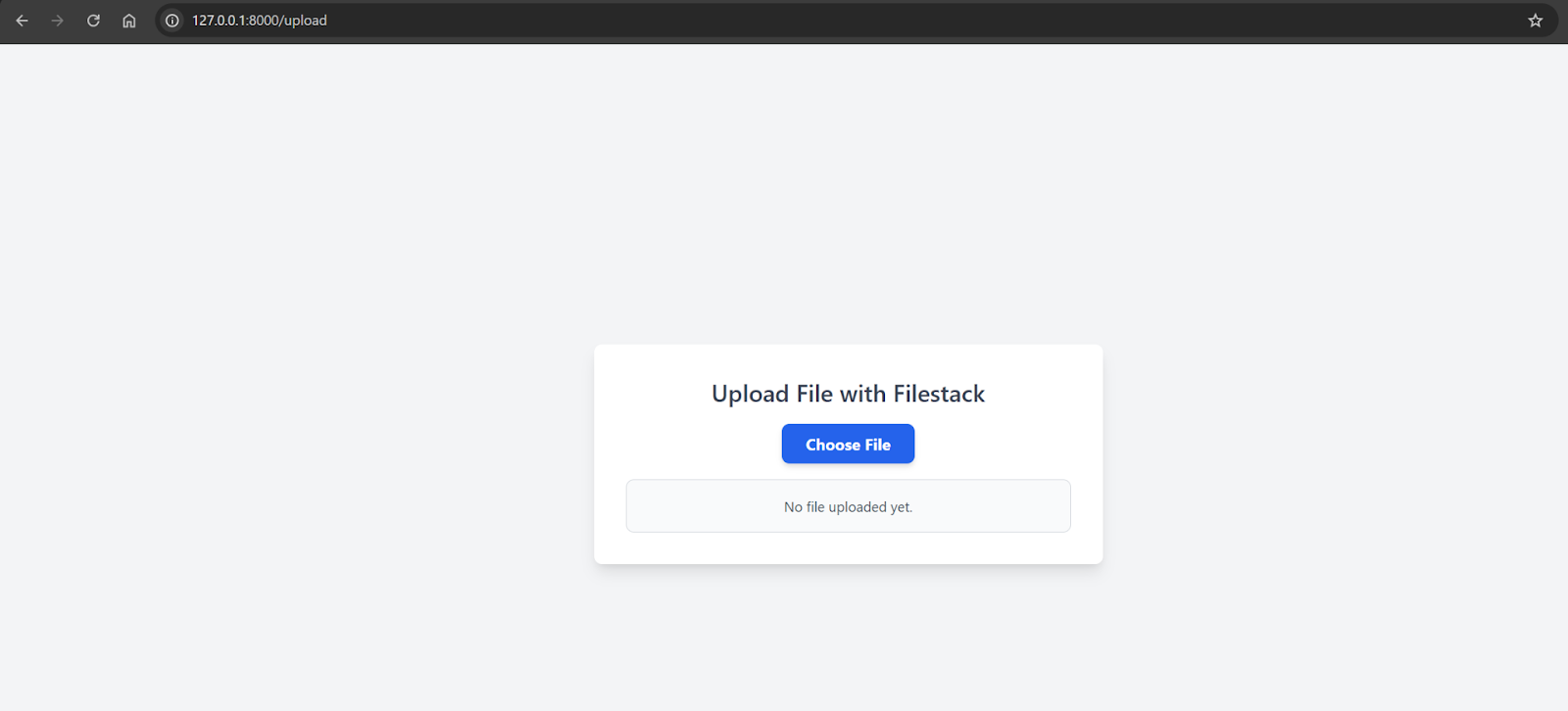
Now, open http://127.0.0.1:8000/upload in your browser.
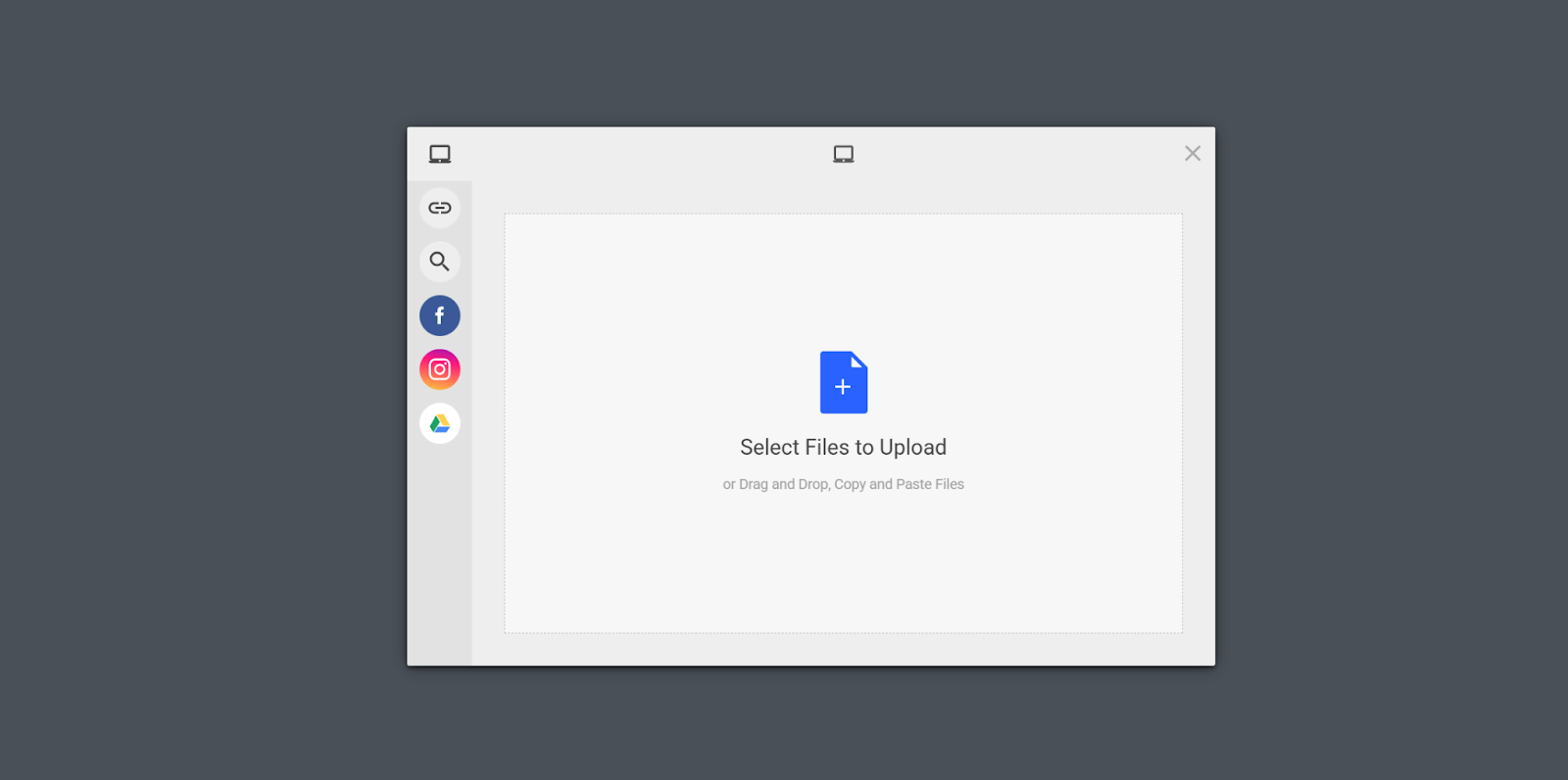

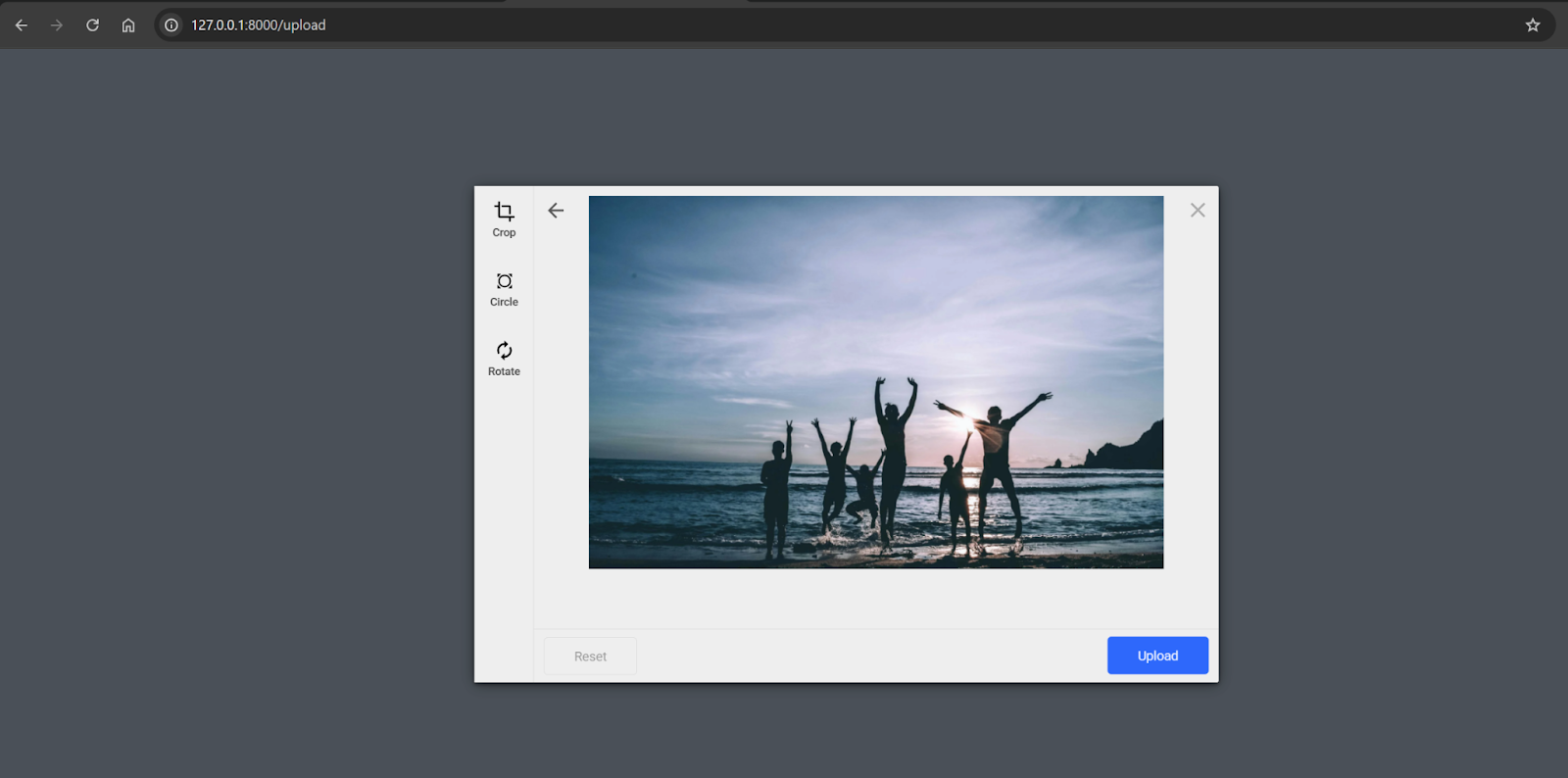
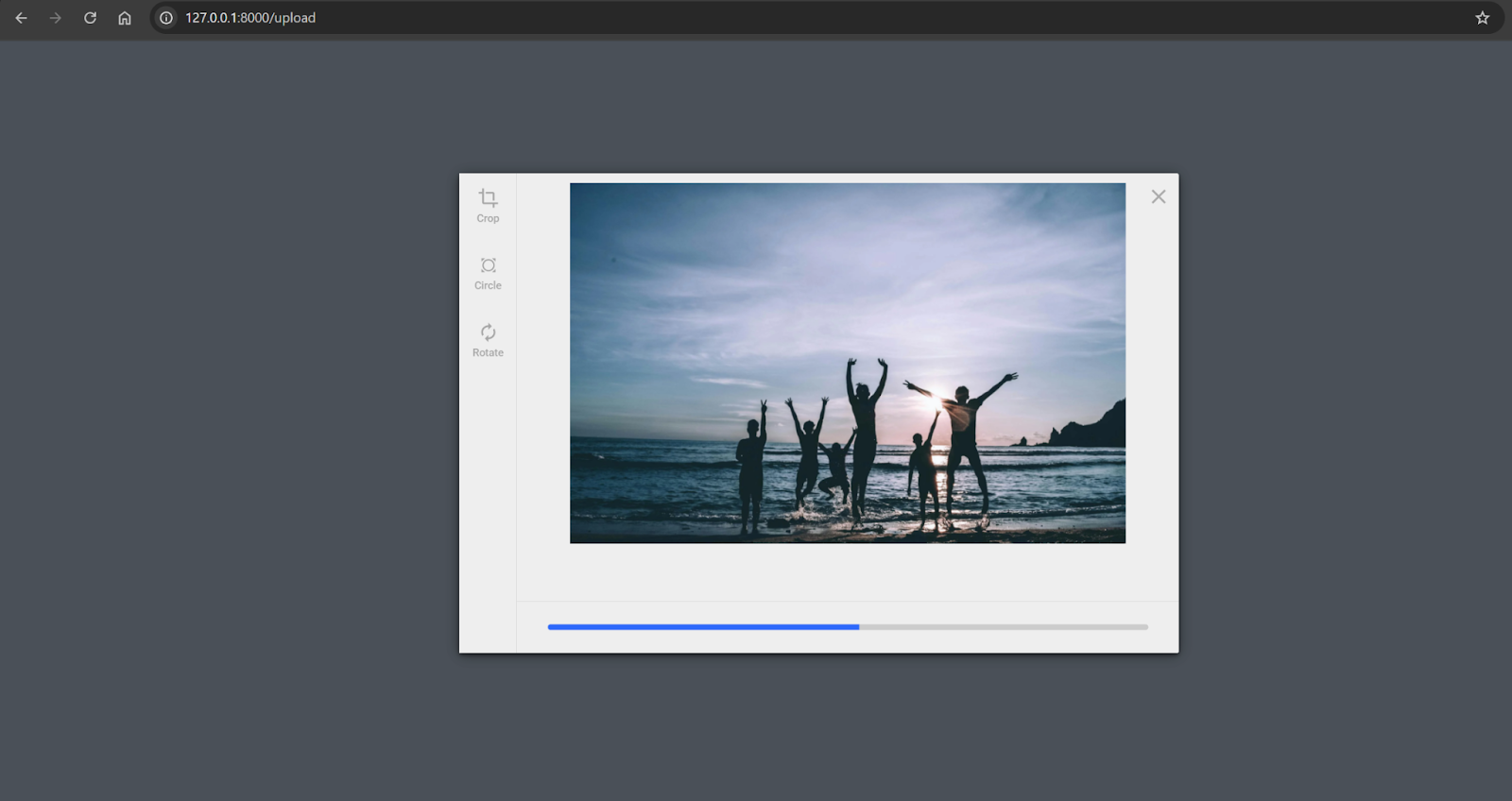
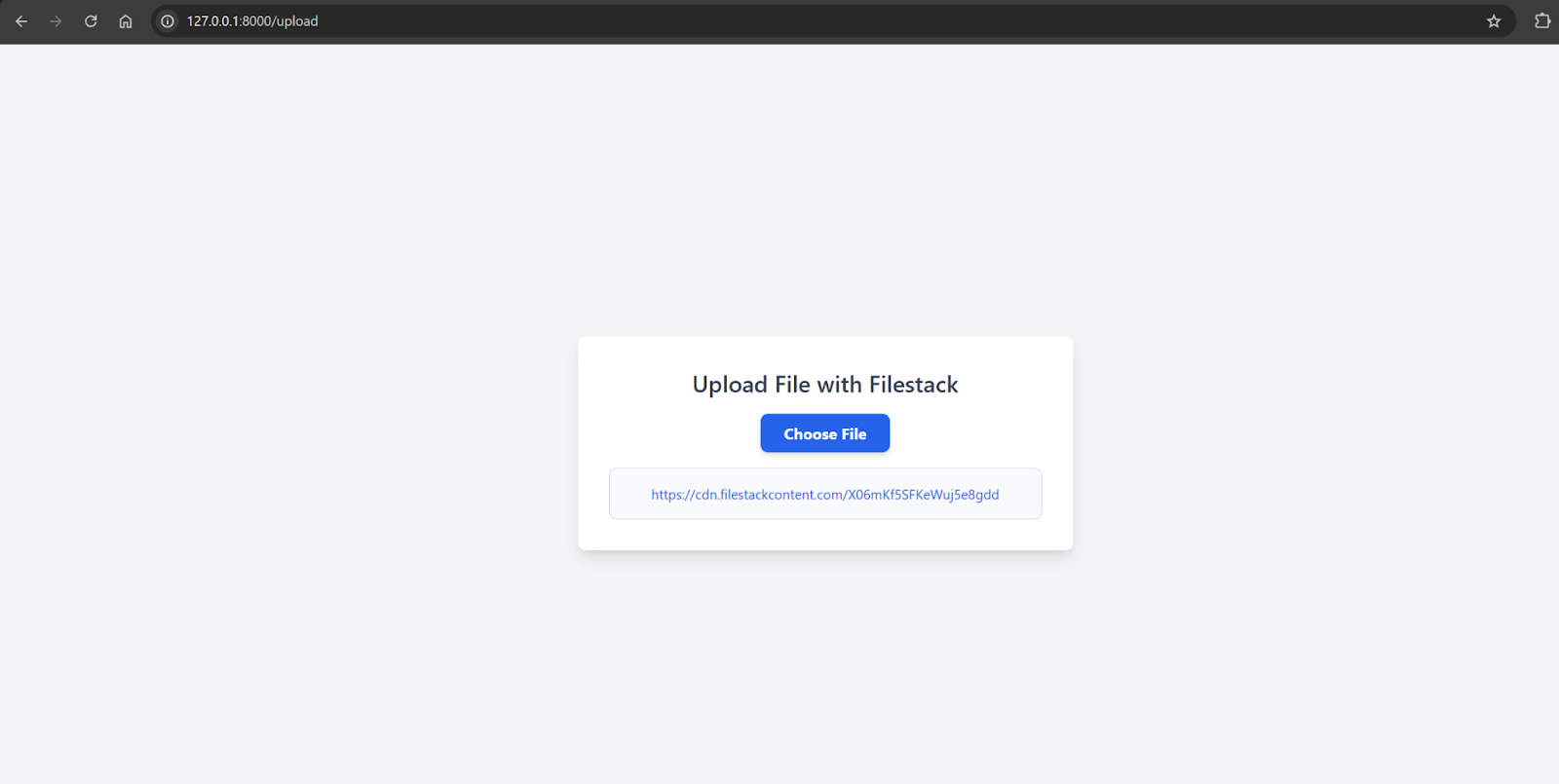
Common challenges and solutions
When uploading files through middleware in Laravel, many developers face challenges. One challenge is handling large files. Middleware can timeout or run out of memory if the file is too large. File validation is another challenge. Sometimes, valid files are rejected due to too many or incorrectly set validation rules.
Challenges and Solutions
Large File Uploads
Uploading large files can cause issues for middleware. This can result in timeouts or memory problems. Check if upload_max_filesize and post_max_size need to be increased in php.ini configuration. You can also split files into smaller parts.
File Validation
Middleware sometimes receives malicious files. To fix this, tighten the security on already uploaded files. Check files for viruses and harmful content. Filestack provides file virus scanning and content filtering, preventing malicious files from being uploaded.
File Security
Middleware might not secure uploaded files enough. To enhance security, scan the files for viruses and malicious content. Filestack offers virus scanning and content validation, making it easier to ensure only safe files are uploaded.
Leveraging Filestack
Filestack can resolve these issues. It provides an easy way to upload files without size restrictions. It includes APIs that enable file chunking. Filestack helps securely host more files, reduces server workload, and ensures smoother uploads.
Conclusion
Middleware is essential when working with file uploads in Laravel. It ensures files are validated, secure, and processed correctly. Middleware is the first part of the application that filters incoming files. It prevents breaches by checking file sizes, types, and user authorizations. Middleware also manages large or multiple uploads efficiently.
Filestack makes the file upload process easier. It has built-in security features and reduces server load. Using Filestack with middleware ensures a safe and effective way to handle file uploads in Laravel.
FAQs
How do you upload a file using Laravel?
In Laravel, file uploads are easy with the Request object and the file() method.
What is the middleware used for in Laravel?
Middleware filters HTTP requests and handles validation, authentication, logging, and more before reaching the controllers.
Does Filestack allow file uploads in Laravel?
Yes, Filestack supports file uploads in Laravel using its API and SDK for easy integration.
How do you use Filestack to upload files to Laravel?
Integrate Filestack by installing the SDK and using its API to upload files directly to cloud storage.